
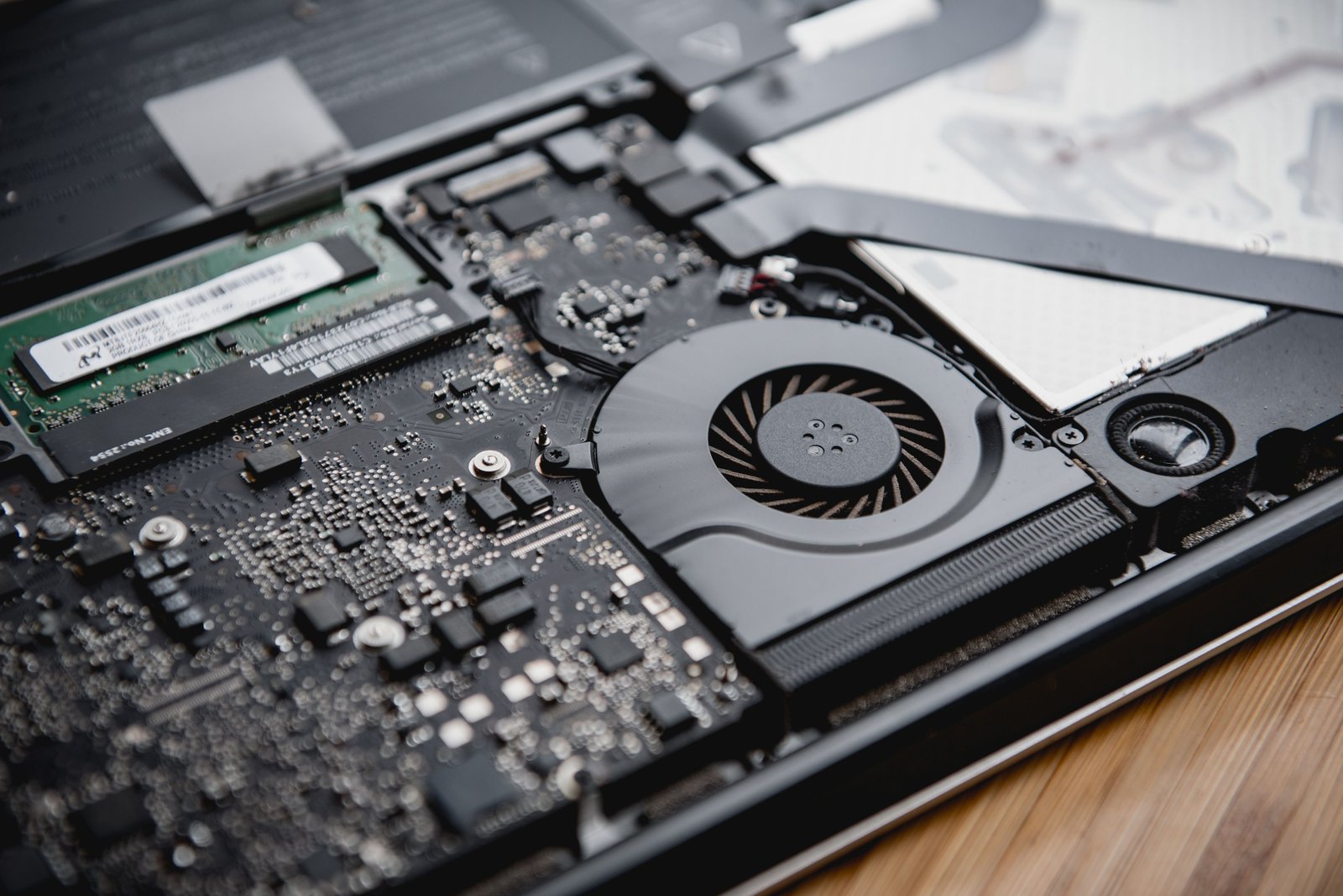
A slow laptop can be frustrating, especially when programs take forever to open, websites lag, or the fan runs constantly.
While old hardware, software issues, or limited storage can slow a laptop, dust and dirt can also hurt performance by blocking airflow and making the laptop run hotter. The good news is that cleaning your laptop doesn't have to be complicated. With a few basic precautions and the right cleaning method, beginners can remove dust, dirt, fingerprints, and debris without damaging their device. In this guide, you'll learn how to clean your laptop safely, improve airflow, reduce overheating, and potentially make your laptop feel faster.
Can Cleaning a Laptop Really Make It Faster?
Cleaning won't magically upgrade your processor or add more RAM. However, it can help when dust has built up around ventilation openings, fans, and other cooling areas.
When airflow is restricted, a laptop may become hotter. Modern laptops can reduce processor performance when temperatures become too high. This can make everyday tasks feel slower.
A clean laptop can, therefore, help with:
- Better airflow
Improved cooling
More consistent performance
Less fan noise
Fewer overheating problems
A cleaner keyboard and screen
A longer-lasting device
Cleaning the outside is only one part of maintaining a fast laptop. Removing unnecessary files, managing startup programs, and keeping software updated can also make a noticeable difference.
What You Need Before Cleaning Your Laptop
You don't need expensive equipment. Prepare:
- A soft microfiber cloth
Compressed air designed for electronics
A small, soft brush
Screen-safe cleaning solution
A clean, flat workspace
Your laptop's manufacturer's instructions, if available
Avoid pouring liquid directly onto the laptop. Also avoid household glass cleaners, abrasive materials, and excessive moisture.
Final Thoughts:
Learning how to clean your laptop to make it faster is a simple but useful part of computer maintenance. Removing dust from vents, cleaning the keyboard and screen, keeping ports clear, improving airflow, and maintaining your storage can help your laptop stay in better working condition.
Remember that cleaning cannot fix every performance problem. If your laptop is still slow afterward, investigate storage, RAM, startup programs,



Comments (0)