
A Complete Beginner's Guide
Introduction
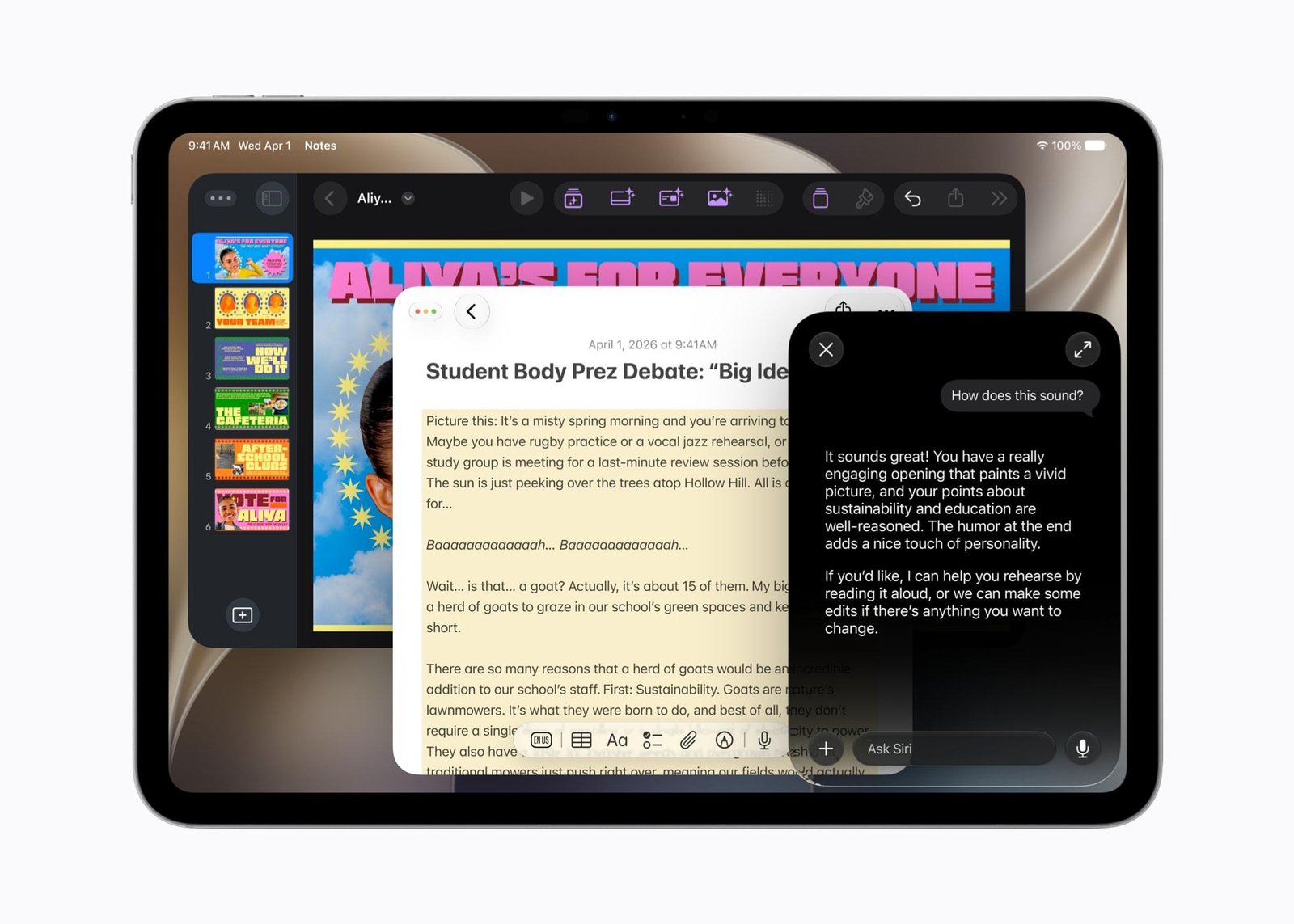
Apple Intelligence is Apple's artificial intelligence technology designed to make compatible iPads more helpful, productive, and easier to use. It brings several smart features into the iPad experience, helping users write better messages, summarize information, create images, edit photos, and interact with Siri.
Whether you are a student, professional, or everyday iPad user, Apple Intelligence can make certain daily tasks simpler. For example, you can use Writing Tools to improve an email, ask Siri for assistance, or use image creation features to explore creative ideas.
However, Apple Intelligence is not available on every iPad. You need a compatible device, a supported version of iPadOS, and an available language setting.
This guide explains how to use Apple Intelligence on iPad.
1. How to Check iPad Compatibility
Before enabling Apple Intelligence, check whether your iPad supports it.
Apple Intelligence requires compatible hardware. Supported models include
- iPad Pro with an M-series chip.
- iPad Air with an M-series chip.
- iPad mini with the A17 Pro chip.
- Older iPad models may support newer versions of iPadOS but still cannot run Apple Intelligence.
How to check your iPad model
1. Open Settings.
2. Tap General.
3. Select About.
4. Find the Model Name.
5. Check whether your device meets Apple's compatibility requirements.
If your iPad is compatible, update it to a supported iPadOS version.
2. How to Enable Apple Intelligence on iPad
After checking compatibility, you can enable Apple Intelligence through your iPad settings.
Follow these steps:
1. Connect your iPad to a reliable Wi-Fi network.
2. Open Settings.
Conclusion
Battery, RAM, storage, keyboard, motherboard, and processor all play important roles in the iPad experience.
Before using Apple Intelligence, make sure your iPad is compatible and has enough available storage. You don't need a physical keyboard, but one can improve your writing experience.
With compatible hardware and updated software, Apple Intelligence can help make everyday writing, learning, creativity, and productivity tasks easier.




Comments (0)